Evaluating Infographic Template Vol.15 for Professional Design Workflows
Selecting the right visual asset is a critical step in any design or marketing workflow. When researching tools to streamline content creation, professionals often encounter Infographic Template Vol.15, a resource specifically structured around "About the Product" layouts. This template serves as a foundational framework for presenting product information, workflows, and diagrams efficiently. Rather than viewing this asset merely as a pre-made graphic, it is more accurate to evaluate it as a structural component within a larger web design or presentation strategy. Understanding its specific utility, technical specifications, and limitations allows designers and marketers to determine if it aligns with their current project requirements.
Defining the Scope and Utility of Vol.15
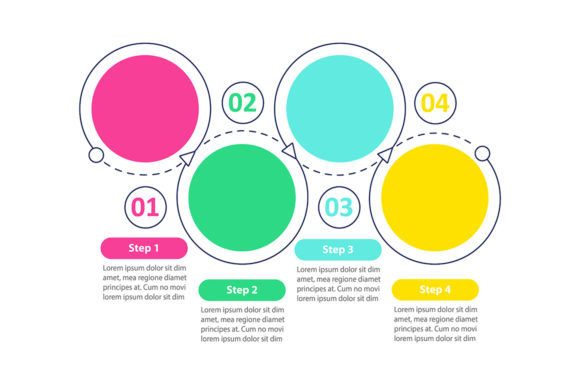
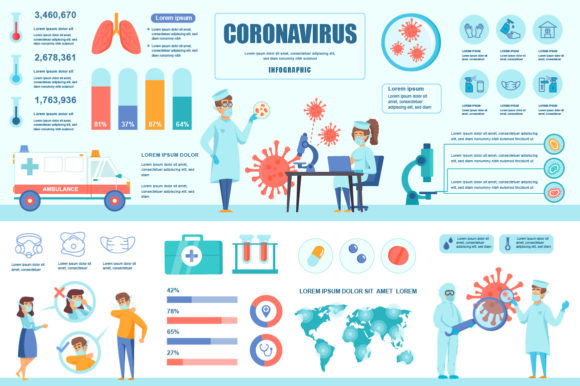
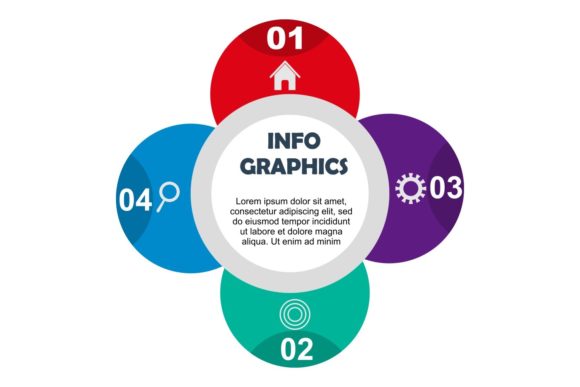
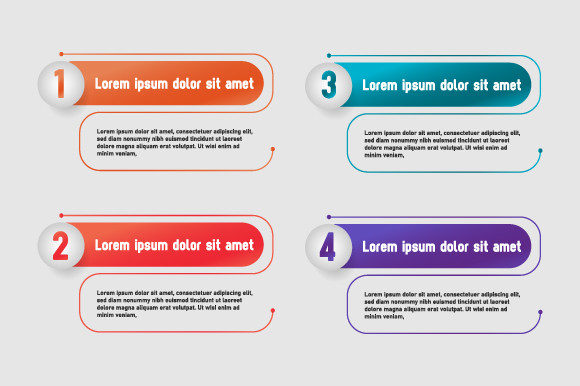
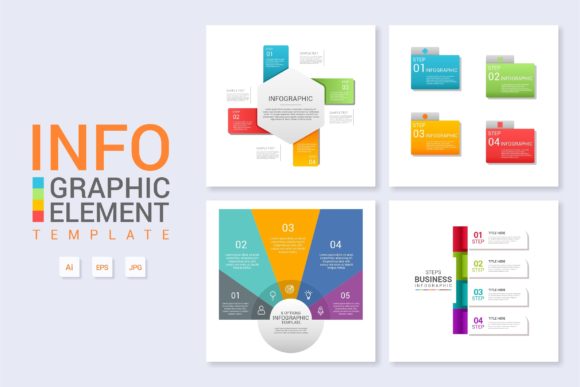
Infographic Template Vol.15 is designed primarily for product-centric communication. Unlike general-purpose infographic templates that may focus on statistics or timelines, this volume emphasizes descriptive layouts suitable for explaining features, benefits, and operational workflows. The architecture of the template supports three distinct use cases: detailed product breakdowns, process visualization, and web banner integration.
The core value proposition lies in its organizational structure. For users evaluating this template, the primary consideration is whether the existing layout logic matches the intended narrative. If the goal is to present a linear explanation of a product’s functionality or to create a modular diagram for a landing page, Vol.15 provides a pre-validated hierarchy. However, if the objective involves complex data visualization or non-linear storytelling, the rigid structure of an "About the Product" format may require significant restructuring to be effective.
Technical Specifications and Workflow Integration
A major factor in selecting any design template is compatibility with existing software ecosystems and team skill sets. Infographic Template Vol.15 includes both Main AI (Adobe Illustrator) and Main EPS files. This dual-format availability addresses different workflow needs:
- AI Files: Essential for designers who need full editability, including access to specific artboards, layers, and typography settings within Adobe Illustrator.
- EPS Files: Provide broader compatibility for users who may not have the latest version of Illustrator or who need to import vector graphics into other applications like InDesign or CorelDRAW.
The template is marketed as having organized layers and easy modification capabilities. From a practical standpoint, "organized layers" reduces the time spent deciphering another designer's file structure. When evaluating this asset, users should verify that the layer naming conventions align with their internal standards. Efficient modification relies on the ability to quickly locate text boxes and shape groups without unlocking hidden elements or navigating nested sub-layers. The inclusion of free fonts further streamlines the setup process, eliminating the friction of sourcing and licensing external typefaces before beginning customization.
Benefits and Efficiency Gains
The decision to utilize Infographic Template Vol.15 often comes down to a cost-benefit analysis regarding time and consistency. Building a cohesive "About the Product" layout from scratch requires establishing grid systems, color palettes, and typographic scales. This template provides those parameters out of the box.
For teams managing multiple products or frequent updates, the standardized nature of Vol.15 ensures visual consistency across different assets. Simply changing the text while retaining the underlying vector structure maintains brand coherence. This is particularly beneficial for web design projects where product pages must share a unified aesthetic but contain unique content. The template acts as a constraint system that prevents design drift, ensuring that new content fits seamlessly into established layouts.
Tradeoffs and Considerations
While templates offer speed, they introduce specific tradeoffs that must be weighed during the evaluation phase. The primary limitation of Infographic Template Vol.15 is its specificity. Because it is optimized for product descriptions and workflows, adapting it for unrelated content types—such as financial reports or historical timelines—may result in a disjointed user experience. The visual metaphors and spatial arrangements are hardcoded for product contexts.
Additionally, reliance on pre-set layouts can sometimes lead to generic outputs if customization is superficial. Users who only "change the text" without adjusting colors, spacing, or imagery risk producing content that looks identical to other sites using the same asset. Effective use of this template requires treating it as a starting point rather than a final solution. Designers should expect to modify element sizes, adjust whitespace, and potentially combine multiple artboards to suit unique content lengths. If a project requires highly bespoke illustration or non-standard data representation, the time saved by using a template may be negated by the effort required to force-fit content into an incompatible structure.
Situational Fit and Decision Framework
Determining whether Infographic Template Vol.15 is the correct choice depends on specific project variables. It is generally a strong fit in the following scenarios:
- Rapid Prototyping: When stakeholders need to visualize a product page concept quickly before committing to custom development.
- Content Marketing: When creating supplementary blog posts or social media banners that explain product features in a digestible format.
- Small Teams: When resources are limited and a professional-grade layout is needed without hiring a dedicated illustrator.
- Standardized Documentation: When creating internal wikis or help center articles that require consistent visual formatting.
Conversely, alternatives should be considered when:
- The content is data-heavy and requires dynamic charting capabilities not present in static vector templates.
- The brand guidelines strictly prohibit the geometric styles or layout proportions found in Vol.15.
- The project demands interactive web elements, as this template provides static vector assets rather than coded HTML/CSS components.
- Unique artistic direction is a primary KPI for the campaign.
Practical Implementation Insights
For those proceeding with Infographic Template Vol.15, successful implementation involves more than simple text replacement. Users should audit the font choices immediately; while free fonts are included, verifying their readability at various screen sizes is crucial for web design applications. Additionally, because the template is layered and organized, designers should take advantage of global swatches and character styles within the AI file. Updating these master attributes allows for rapid rebranding across all artboards simultaneously, maximizing the efficiency gains promised by the template.
Ultimately, Infographic Template Vol.15 functions best as a specialized tool within a broader design toolkit. It solves specific problems related to product communication and workflow visualization. By objectively assessing its alignment with project goals, technical requirements, and content strategies, users can make informed decisions that balance efficiency with creative integrity. Whether used for a quick banner or a comprehensive product diagram, its value is realized through thoughtful adaptation rather than passive application.