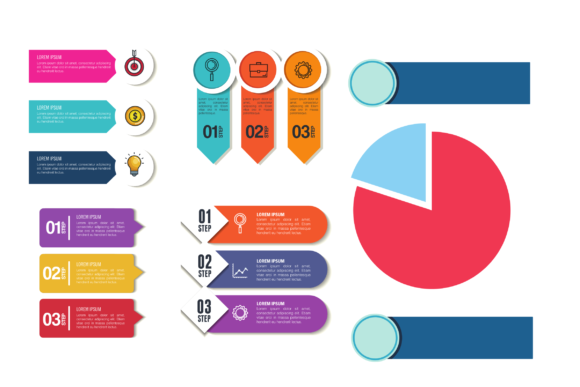
Infographic Element Collection 2: Visual Design Assets
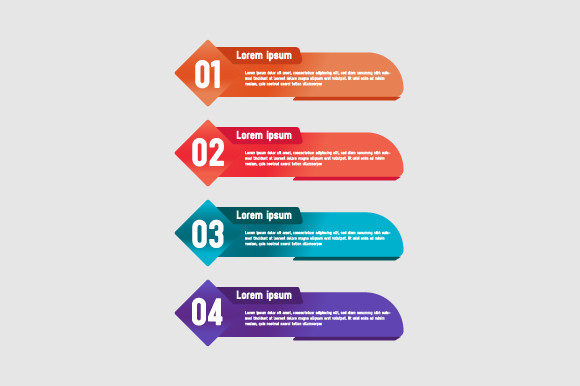
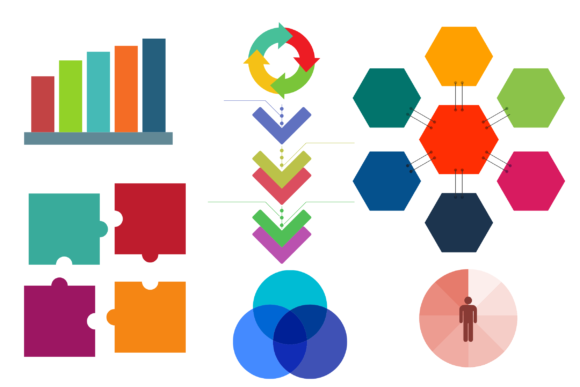
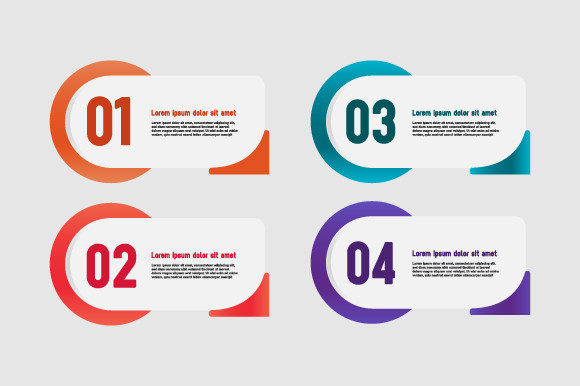
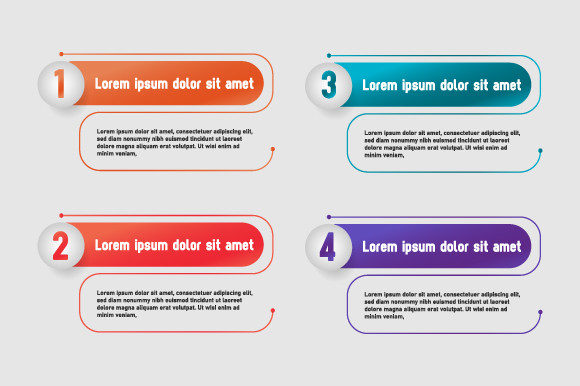
Effective visual communication often hinges on the quality of individual components rather than just the overarching layout. When designing for business projects, marketing campaigns, or educational materials, the specific icons, charts, and diagrammatic elements you choose can determine whether your audience engages with the content or scrolls past it. Infographic Element Collection 2 serves as a comprehensive library of these foundational building blocks, specifically formatted in AI, EPS, and SVG to support professional workflows across both digital and print mediums. Rather than forcing designers to create every chart or icon from scratch, this collection provides a standardized yet flexible set of assets that maintain visual consistency while significantly reducing production time.
The primary value of utilizing a curated collection like this lies in the balance between efficiency and customization. For professionals aged 20 to 50 working in marketing, education, or small business management, time is frequently the most constrained resource. Creating a complex isometric illustration or a precise data visualization vector from zero can take hours. By leveraging pre-designed elements that are fully editable in Adobe Illustrator or compatible vector software, creators can redirect their energy toward strategy and narrative flow. The availability of AI and EPS formats ensures that these assets remain resolution-independent, meaning a banner designed for a trade show booth will look just as crisp as a social media graphic derived from the same source file.
Streamlining Multi-Format Advertising Projects
One of the most practical applications for Infographic Element Collection 2 is in cross-platform advertising where asset adaptability is mandatory. Consider a scenario where a marketing team needs to launch a product campaign that includes a printed flyer, a wide-format web banner, and a presentation deck for investors. Using raster images or inconsistent clip art often leads to a disjointed brand experience. Because this collection utilizes true vector formats (SVG, AI, EPS), a single element can be scaled infinitely without pixelation or loss of detail.
This technical flexibility solves a common logistical headache in advertising production. A designer can pull a specific process diagram from the collection for a high-resolution print brochure and then use the exact same element, resized and recolored, for an email newsletter header. This ensures that the visual language remains coherent across all touchpoints. For freelancers and agency owners managing multiple clients, this capability reduces the need to maintain separate asset libraries for different output sizes. The SVG format, in particular, has become essential for modern web design, allowing these infographic elements to be embedded directly into websites with minimal file size impact, improving page load speeds compared to traditional PNG or JPG alternatives.
Enhancing Data Clarity in Business Presentations
Beyond aesthetics, the functional purpose of any infographic element is to simplify complexity. In business environments, stakeholders often struggle to digest raw data or abstract processes during presentations. Infographic Element Collection 2 addresses this by providing structured visual metaphors—such as timelines, funnels, cycles, and hierarchical trees—that translate dense information into digestible formats. When a consultant or educator uses these standardized visual structures, they reduce the cognitive load on their audience, allowing the focus to remain on the insights rather than deciphering a confusing slide.
For example, explaining a quarterly revenue shift using a standard bar chart might convey the numbers but fail to illustrate the underlying causes. By integrating a specialized vector element from this collection that combines data points with contextual icons or directional flows, the presenter can tell a more complete story. The ability to edit colors and shapes within the AI or EPS files means these elements can be aligned strictly with corporate branding guidelines. This level of polish signals professionalism and attention to detail, which can be particularly influential when pitching to new clients or reporting to executive leadership. It transforms a generic template into a bespoke communication tool without requiring advanced illustration skills.
Supporting Creativity Without Compromising Consistency
A frequent challenge for non-designers and solo entrepreneurs is maintaining a consistent visual identity while producing a high volume of content. Hiring a dedicated illustrator for every project is rarely feasible, yet relying on disparate free resources often results in a "Frankenstein" aesthetic where line weights, styles, and color palettes clash. Infographic Element Collection 2 mitigates this risk by offering a unified design system. All elements within the collection share a cohesive stylistic DNA, ensuring that a timeline created today will visually match a comparison chart created six months from now.
This consistency is vital for brand recognition. For bloggers and content creators, establishing a recognizable visual style helps build audience trust and retention. When readers begin to associate specific types of clean, professional diagrams with your content, it reinforces your authority in the niche. Furthermore, having a reliable library of compatible elements encourages experimentation. Knowing that you have access to hundreds of matching assets lowers the barrier to trying new content formats. You might decide to turn a text-heavy blog post into a visual guide simply because the necessary components are readily available and guaranteed to work together harmoniously.
Evaluating Fit and Technical Considerations
While Infographic Element Collection 2 offers significant advantages, it is important to assess whether it aligns with your specific technical capabilities and project requirements. The AI, EPS, and SVG formats are industry standards for vector graphics, but they do require compatible software such as Adobe Illustrator, Affinity Designer, CorelDRAW, or Inkscape for full customization. Users who rely exclusively on raster-based tools like Photoshop or basic online editors may find themselves unable to unlock the full potential of these files, particularly regarding node editing and color separation.
Additionally, while the collection covers a broad range of general business and informational concepts, it may not contain niche-specific illustrations required for highly specialized industries like medical engineering or advanced architecture. In such cases, these elements serve best as supplementary structural graphics rather than primary technical illustrations. Professionals should also consider the licensing terms relative to their usage; while suitable for flyers, banners, and presentations, users intending to resell the assets as standalone templates or incorporate them into merchandise for resale must verify that their license permits such commercial derivative works.
Another consideration is the learning curve associated with vector manipulation. For those new to working with EPS or AI files, understanding layers, clipping masks, and pen tools is necessary to modify these elements effectively. However, for those willing to invest a small amount of time in learning these basics, the long-term payoff in design autonomy is substantial. The collection acts as both a productivity tool and an educational resource; by deconstructing how professional infographic elements are built, users can improve their own design literacy over time.
Practical Outcomes for Diverse User Groups
The impact of integrating high-quality vector elements varies depending on the user's role. For small business owners, the primary outcome is cost avoidance. Access to professional-grade assets eliminates the need to outsource simple design tasks, keeping overhead low while maintaining a polished public image. For educators and trainers, the benefit is pedagogical effectiveness. Visual aids created with these elements can accommodate different learning styles, making training materials more inclusive and memorable.
Marketers and advertisers gain speed and agility. In fast-moving campaigns, the ability to assemble a landing page graphic or a social ad in minutes rather than days allows teams to capitalize on trends and respond to market feedback rapidly. For freelance designers, this collection functions as a force multiplier, enabling them to take on more clients or deliver higher-value packages without burning out. Even hobbyists and publishers benefit from the elevated production value, transforming personal projects or community newsletters into publications that rival professional outputs.
Ultimately, Infographic Element Collection 2 represents a pragmatic approach to visual design. It acknowledges that while originality is valuable, reinvention is often wasteful. By providing a robust, scalable, and editable foundation for visual communication, it empowers users across the spectrum to produce clearer, more attractive, and more effective materials. Whether designing a large-format banner for a conference or refining a digital report for internal review, the right vector elements bridge the gap between having information and successfully communicating it. The decision to utilize such a collection should be driven by a desire for efficiency and quality, ensuring that every hour spent on design yields maximum return in audience engagement and message clarity.