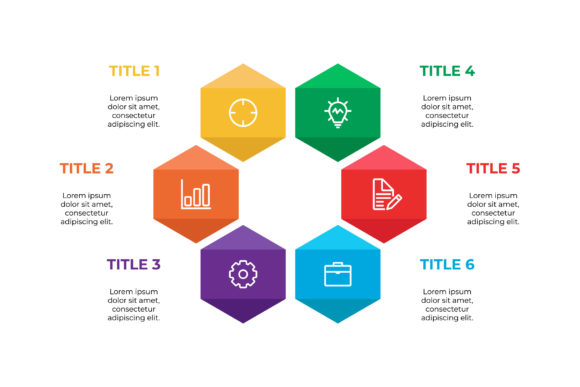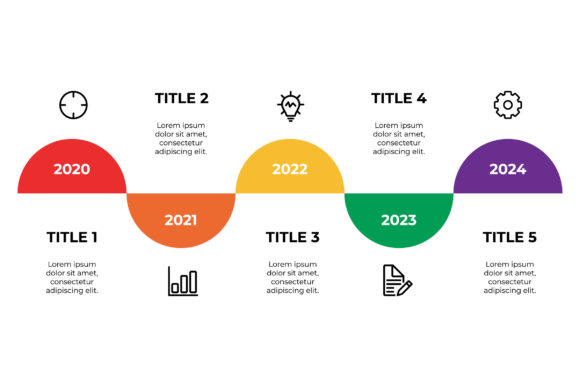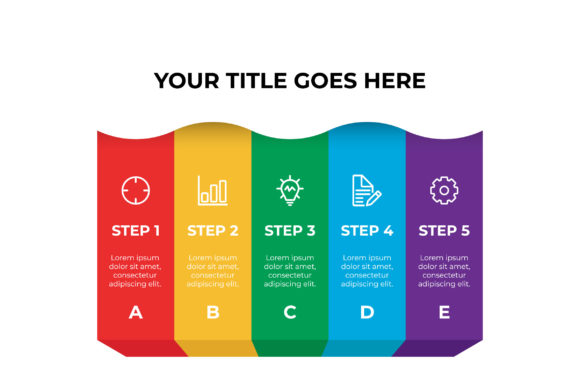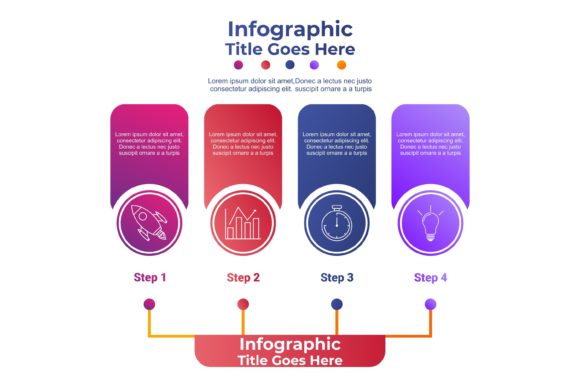
Infographic Template V.6: Editable Vector Design
Creating high-impact visual content often feels like a race against the clock, especially when complex data needs to be digested quickly by your audience. Infographic Template V.6 addresses this specific friction point by providing a structured yet flexible framework for presenting information. Unlike rigid layouts that force your content into awkward shapes, this template utilizes a clean, modular grid system designed specifically for the 16:9 aspect ratio. This format has become the industry standard for digital presentations, YouTube thumbnails, LinkedIn carousels, and modern blog headers. The visual personality of V.6 strikes a deliberate balance between corporate professionalism and creative accessibility, making it suitable for everything from quarterly financial reports to educational social media series.
The design relies on strong geometric foundations paired with ample negative space. This approach prevents the "cluttered" look that plagues many DIY infographics. By prioritizing visual hierarchy through size contrast and color blocking rather than heavy ornamentation, the template ensures that your key statistics and takeaways remain the focal point. It functions as a premium design asset that elevates brand identity without requiring you to rebuild your layout architecture from scratch every time you publish new content.
Technical Specifications and File Compatibility
When integrating new design assets into a professional workflow, file compatibility is just as important as aesthetics. This package includes three distinct file types tailored to different stages of the production process. Understanding what each offers helps streamline collaboration between designers, marketers, and stakeholders.
- Illustrator CC File: This is your primary working document. It contains fully editable vector paths, organized layers, and unlocked text boxes. Because it is native to Adobe Illustrator CC, you can manipulate every anchor point, adjust gradients, and swap out icons without any loss of quality. This file supports non-destructive editing, allowing you to experiment with layout variations while preserving the original structure.
- EPS 10 File: For agencies or teams using older software versions or alternative vector editors like CorelDRAW or Affinity Designer, the EPS 10 format provides essential backward compatibility. While some advanced CC-specific effects may be flattened, the core vector geometry and text editability remain intact. This ensures that external vendors or freelancers can open and modify the template regardless of their specific software subscription tier.
- Preview JPEG: A high-resolution raster image serves as an immediate visual reference. This is invaluable for client approvals or internal team briefs before anyone opens the source files. It also acts as a fallback option for non-designers who need to insert the infographic into a document or email signature without requiring vector editing capabilities.
Strategic Applications Across Digital and Print Media
The 16:9 aspect ratio of Infographic Template V.6 is not arbitrary; it aligns with how modern audiences consume content across devices. In web design and editorial contexts, this widescreen format fits naturally within content containers without requiring excessive scrolling. For bloggers and publishers, this means higher engagement rates as readers can grasp the entire narrative arc in a single viewport. When used in digital advertising or social media graphics, the dimensions match native video players and presentation slides, ensuring your static content feels cohesive alongside multimedia elements.
Beyond digital screens, this template translates effectively to print environments. The vector-based construction means you can scale the design up for trade show banners, conference handouts, or annual report inserts without pixelation. Entrepreneurs and small business owners often find this versatility crucial for maintaining brand consistency across touchpoints. A marketing campaign might start with a LinkedIn post using the 16:9 format, evolve into a detailed PDF lead magnet, and conclude with a printed one-sheet for sales meetings. Using the same underlying template structure across these formats reinforces recognition and projects a polished, unified brand identity.
Typography and Visual Hierarchy Best Practices
A template is only as effective as the typography choices made within it. Infographic Template V.6 comes with editable text areas, but the success of your final design depends on selecting the right typeface pairings. Since the layout features bold geometric shapes, pairing it with a clean sans serif font typically yields the best readability. Modern typography trends favor high x-heights and open counters for data-heavy designs, as these characteristics improve legibility at smaller sizes on mobile devices.
If your brand identity leans toward tradition or luxury, a contemporary serif font can add sophistication to the headers while keeping body copy in a neutral sans serif. Avoid highly decorative script fonts or handwritten styles for data labels, as they compete with the informational purpose of the infographic. Instead, reserve expressive typography for the main title only. Always test your font pairings at actual viewing size; what looks elegant on a 27-inch monitor may become illegible when viewed on a smartphone screen. Remember that commercial licensing for fonts is separate from the template license, so verify your rights before deploying custom typefaces in paid advertising or client work.
Customization Workflow for Non-Designers and Pros
One of the most practical advantages of this vector template is its accessibility to users with varying skill levels. For experienced designers, the organized layer structure allows for rapid customization. Color swatches are typically grouped globally, meaning you can update your brand palette once and see it reflect across the entire artboard. Smart guides and alignment tools built into Illustrator make resizing sections intuitive, allowing you to expand a chart area or shrink a text block without breaking the overall composition.
For marketers, entrepreneurs, or hobbyists newer to vector editing, the template serves as an educational scaffold. Rather than staring at a blank canvas, you learn design principles by deconstructing a working example. Start by simply replacing the placeholder text and swapping colors to match your brand guidelines. As you gain confidence, try rearranging modules to better fit your specific data story. The vector nature of the file means you can duplicate, delete, or resize elements freely. This iterative process helps develop an eye for spacing and proportion that transfers to other creative projects.
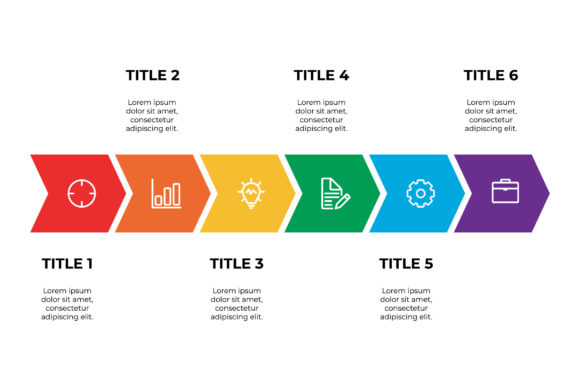
When evaluating whether Infographic Template V.6 fits your current project, consider the density of your information. This layout excels at linear narratives, comparisons, and statistical highlights. If your content requires dense paragraphs of explanatory text, you may need to adapt the layout significantly or choose a more text-heavy template. However, for projects where visual impact drives engagement—such as product feature breakdowns, timeline histories, or survey results—this template provides a professional foundation that saves hours of production time while ensuring your output meets modern design standards.